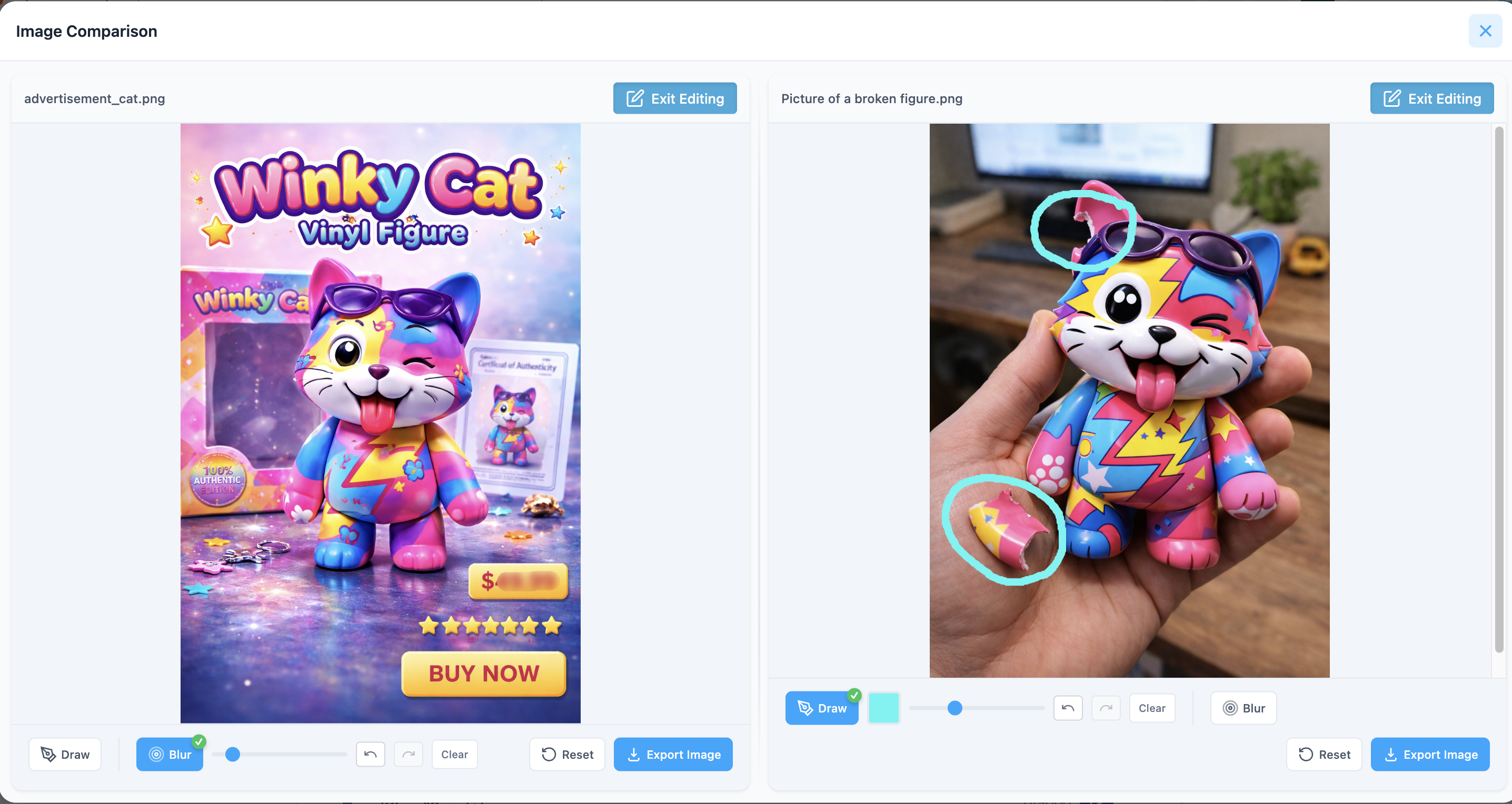
When a conversation includes multiple images, you can use Compare Images mode to view two images side by side and easily spot differences.
You can open it in two ways:
From the three-dot (⋯) menu → Compare Image
By right-clicking an image and selecting another image
Once opened, you can:
Zoom in or out
Rotate each image
Edit each image independently
*Edits are not saved in the application, but you can download the edited image locally.
Was this article helpful?
That’s Great!
Thank you for your feedback
Sorry! We couldn't be helpful
Thank you for your feedback
Feedback sent
We appreciate your effort and will try to fix the article