Yes. When a conversation contains more than one audio file, you can play them one after another by creating an Audio List.
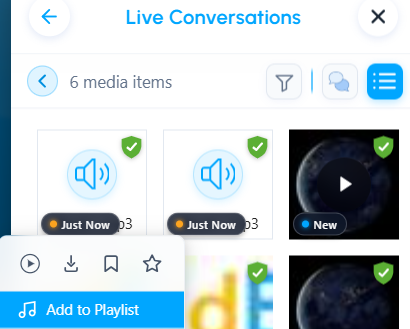
Select Audio List and choose the audio files you want to include.
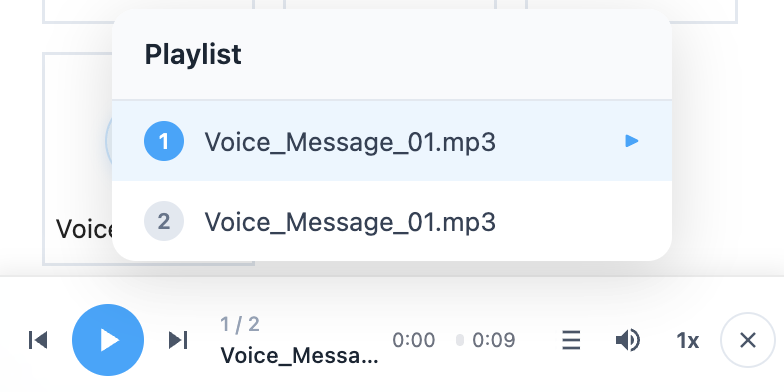
An audio player bar will appear at the bottom of the screen, allowing you to:
Play or pause the audio
Adjust the volume
Change playback speed
Move between audio files
The audio player continues to play in the background while you navigate to other screens.
You can close the player at any time by clicking the X icon.

Was this article helpful?
That’s Great!
Thank you for your feedback
Sorry! We couldn't be helpful
Thank you for your feedback
Feedback sent
We appreciate your effort and will try to fix the article