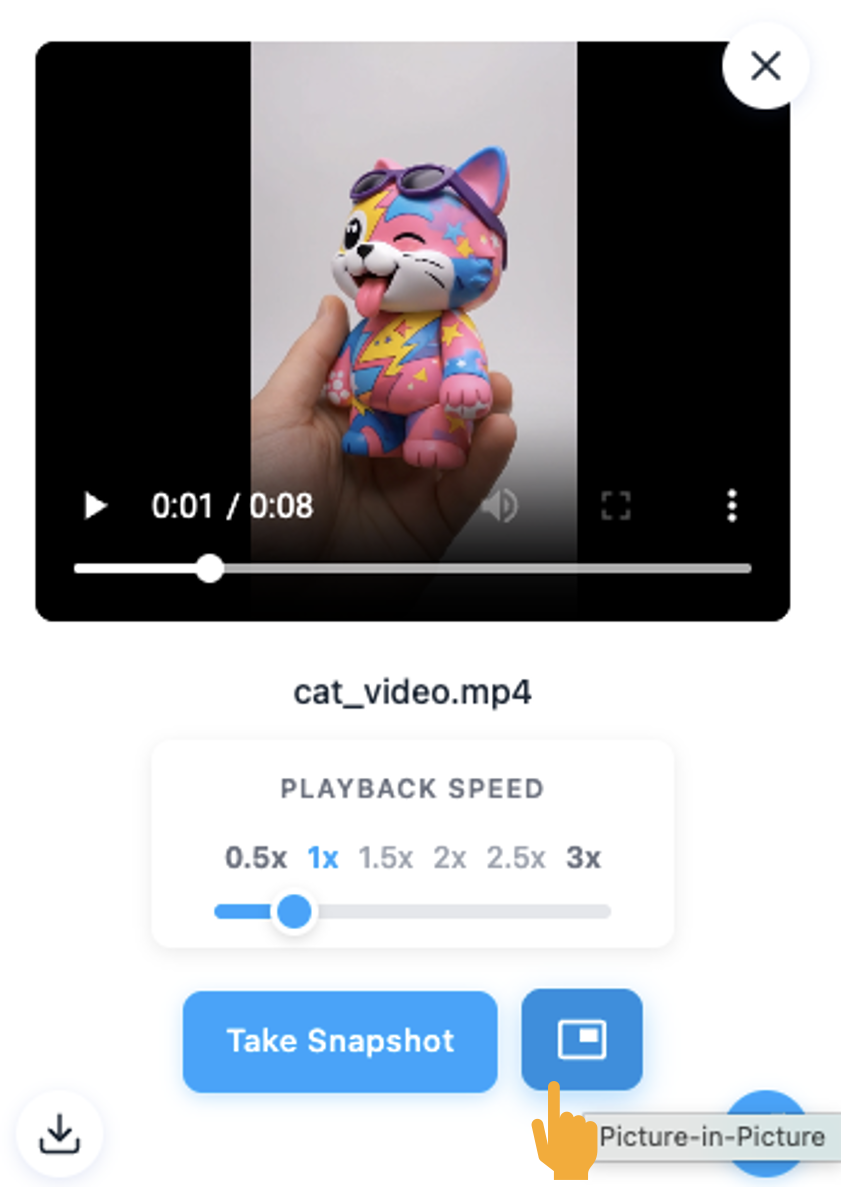
Yes. When you open a video in preview mode, you can enable background playback by clicking the background playback icon.
The video will continue playing at the bottom of the screen while you work on other tasks in the application.
You can stop background playback at any time by clicking the X icon on the background playback panel.
From the preview view, you can also change playback speed or download the video, without interrupting your workflow.
Was this article helpful?
That’s Great!
Thank you for your feedback
Sorry! We couldn't be helpful
Thank you for your feedback
Feedback sent
We appreciate your effort and will try to fix the article